

Scan your Mac
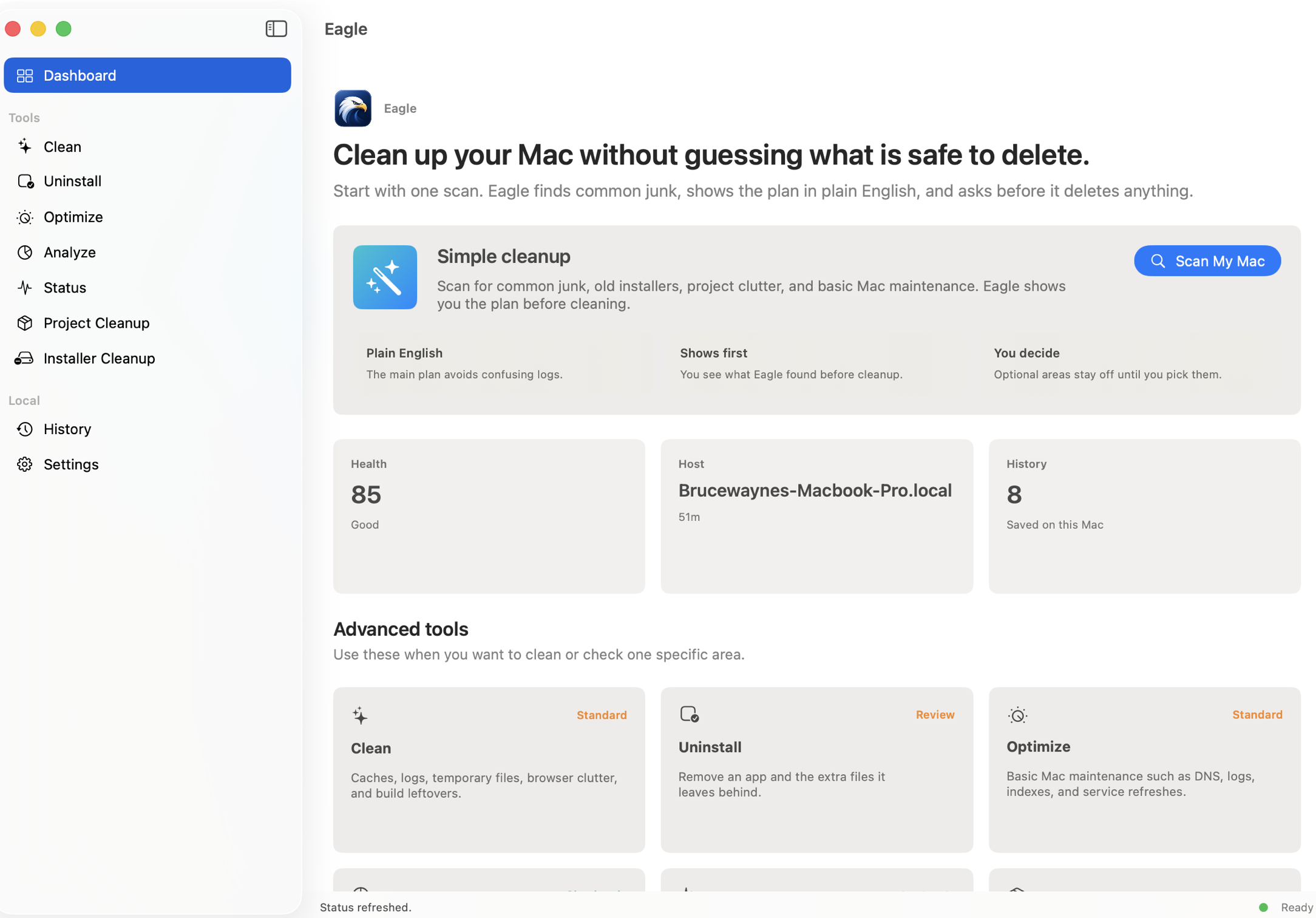
Eagle checks common places where clutter builds up, including caches, logs, installers, project folders, and large files.
Free Mac app · runs on your Mac · asks before deleting
Eagle finds caches, old installers, app leftovers, build clutter, and large folders. You see the plan first, then choose what to clean.
Unsigned preview: I do not have a paid Apple Developer ID yet. Open the DMG, drag Eagle to Applications, open Eagle once, click Done if macOS blocks it, then go to System Settings > Privacy & Security > Open Anyway.
How it works
Eagle checks common places where clutter builds up, including caches, logs, installers, project folders, and large files.
Suggested cleanup is checked for you. Bigger choices stay optional until you select them yourself.
Nothing is deleted from a scan alone. Eagle waits until you confirm what should run.
What it cleans
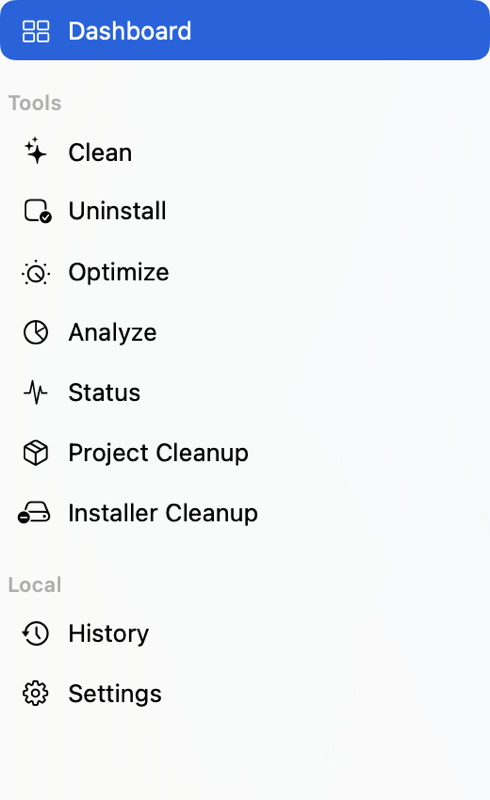
Start with Simple cleanup, or open a specific tool for one job. Either way, Eagle shows what it found before it changes anything.
Caches, logs, temporary files, browser clutter, and build leftovers.
Apps and the extra files they leave behind.
Basic Mac maintenance such as DNS, logs, indexes, and service refreshes.
Large folders and files so you can see where storage is going.
Memory, CPU, disk, battery, uptime, and overall Mac health.
Build folders and dependency caches inside development projects.
Old DMGs, PKGs, ZIPs, and duplicate installer downloads.
Safety
Eagle is designed to be useful without being sneaky. It keeps sensitive places protected and keeps the decision in your hands.
Eagle does not upload your documents, file names, browser history, or cleanup list.
A scan only reports what Eagle found. Cleanup starts only after you confirm.
System folders, passwords, iCloud data, keychains, messages, and protected app data are left alone.
After cleanup, Eagle saves what ran and whether anything failed, so you can check later.
Install note
Open source base
Eagle uses the open-source Mole cleanup project by Tw93 and contributors under the MIT license. Attribution and license details are included with the app.
View Mole on GitHubQuestions
Yes. Eagle is free to download and use. Support is optional and does not unlock or block any feature.
No. Eagle is a normal Mac app. The command-line cleanup engine is included underneath, but you do not need to use Terminal.
Yes, but some folders may be skipped. If Eagle needs more access later, it should explain why before asking.